In this article
Your watermark is almost certainly one layer in a JSON file. Delete the layer, export again, and it is gone. The whole thing takes about a minute in a browser tab and costs nothing, as long as the animation is yours to edit.
Why it comes off so easily
A Lottie is not a video. It is a JSON document listing vector shapes and the keyframes that move them, and a player redraws it on screen every frame. There are no pixels in the file to stamp a logo onto.
So a free plan that wants to mark your export has one option. It adds its logo as another layer, sitting in the same array as yours, in a plain text file it then hands you a copy of.
You can check this yourself in ten seconds. Open the .json in any text editor and search for the tool's name. It will be there, in a layer's nm field, not hidden at all.
First, is this file yours?
This part matters more than the technique, so I am putting it before the steps rather than after.
Taking a free-plan badge off an animation you made yourself is fine. It is your work and the badge is a nudge to upgrade. Taking a credit off someone else's animation so you can use it unmarked is a licence violation, and the fact that it takes one keypress does not change that.
- Yours: an animation you designed and exported on a free plan.
- Yours: an asset your company bought a licence for that permits editing.
- Not yours: a preview file from a marketplace you have not paid.
- Not yours: a creator's animation where the mark is the attribution their licence asks for.
- Read the terms: free marketplace downloads, which are often personal-use-with-attribution rather than unrestricted.
Removing the Lottielab watermark
Lottielab's free plan exports to Lottie JSON, GIF and MP4, and marks all of them. Watermark-free export is a Pro feature, which as of August 2026 is $12 per editor per month billed annually, or $18 on monthly billing.
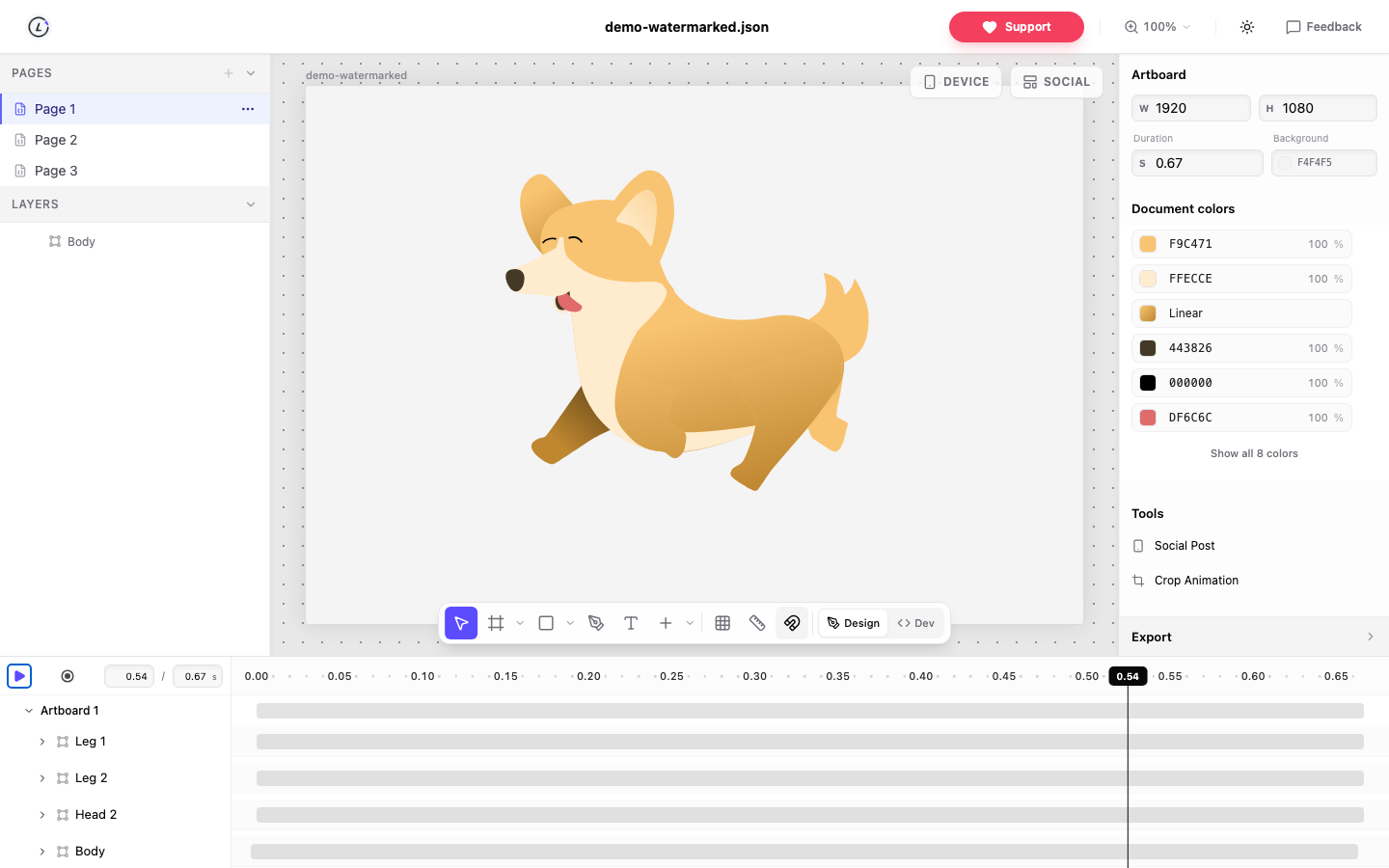
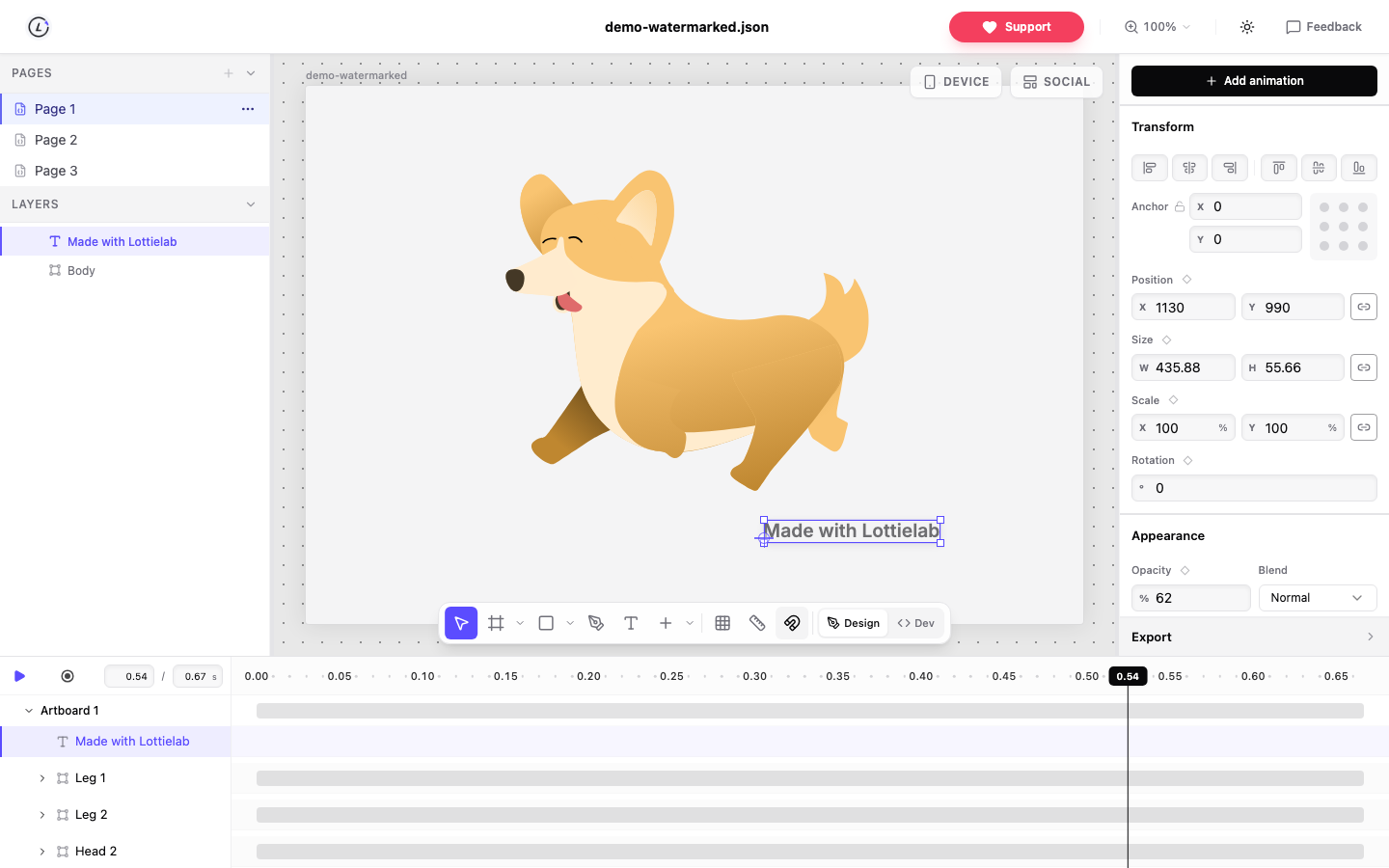
Export as Lottie JSON the way you normally would. Open the file in a browser editor. Click the mark on the canvas and the matching layer highlights in the list, usually at the very top because it is drawn last. Press Delete. Export.
Here is the detail I like about this one. A community tool on GitHub called lottielab-watermark-remover does the same job by scanning for a single layer whose index is exactly 12345679 and dropping it. One hardcoded number, and that is the entire watermark.
LottieFiles, and the badge that is not in your file
Two different things get called the LottieFiles watermark and only one of them lives in your JSON.
If a mark came through in the exported file, delete the layer. Same as above.
The small badge in the corner of an embedded animation is different. That is drawn by the LottieFiles player on the page, not stored in the animation, so you can edit the JSON all day and it will not budge. You change it by embedding the file yourself with a plain runtime like lottie-web or dotlottie-web, assuming the asset's licence lets you.
Open the layer list before you start. Thirty seconds there tells you which problem you have.
Jitter, and why export order matters
Jitter marks free exports too, and here the format you pick genuinely decides how hard this is.
Export MP4 or GIF and the mark becomes pixels in every frame. At that point removing it means inpainting or cropping, and both look worse than the watermark did.
Export Lottie JSON and it arrives as a layer, same as everywhere else. So clean the Lottie first, then convert to video from the clean file. Doing it the other way round is the mistake I see most often, and it is not recoverable.
When one Delete is not enough
Three cases behave differently, and the third one is the only genuinely hard one.
- Split across layers, because the wordmark exported letter by letter. Marquee select the whole group and delete together.
- Nested inside a precomp. Open the precomp and delete it in there, or delete the precomp layer if it holds nothing else.
- Baked into a PNG in the assets array. It now shares pixels with your artwork and no editor can separate them. You have to re-export from the source.
Check it still plays
Deleting a layer cannot corrupt a well formed Lottie. It can expose a problem that was already sitting there.
Layers reference each other through a parent field holding another layer's index. If something in your file was parented to the watermark, and that does happen when a designer groups the mark with content, deleting it leaves a pointer to an index that no longer exists. Runtimes disagree about what to do with that.
So play it through once. And if the file is going into an app, test it in the runtime that will actually render it, because lottie-web, lottie-ios and lottie-android do not support exactly the same feature set.